DOWNLOAD & SET UP
Get TamamHealth on any device.
TamamHealth is offline-first — install it once and it keeps working through power cuts and connectivity gaps, syncing automatically when you're back online. No app store required.
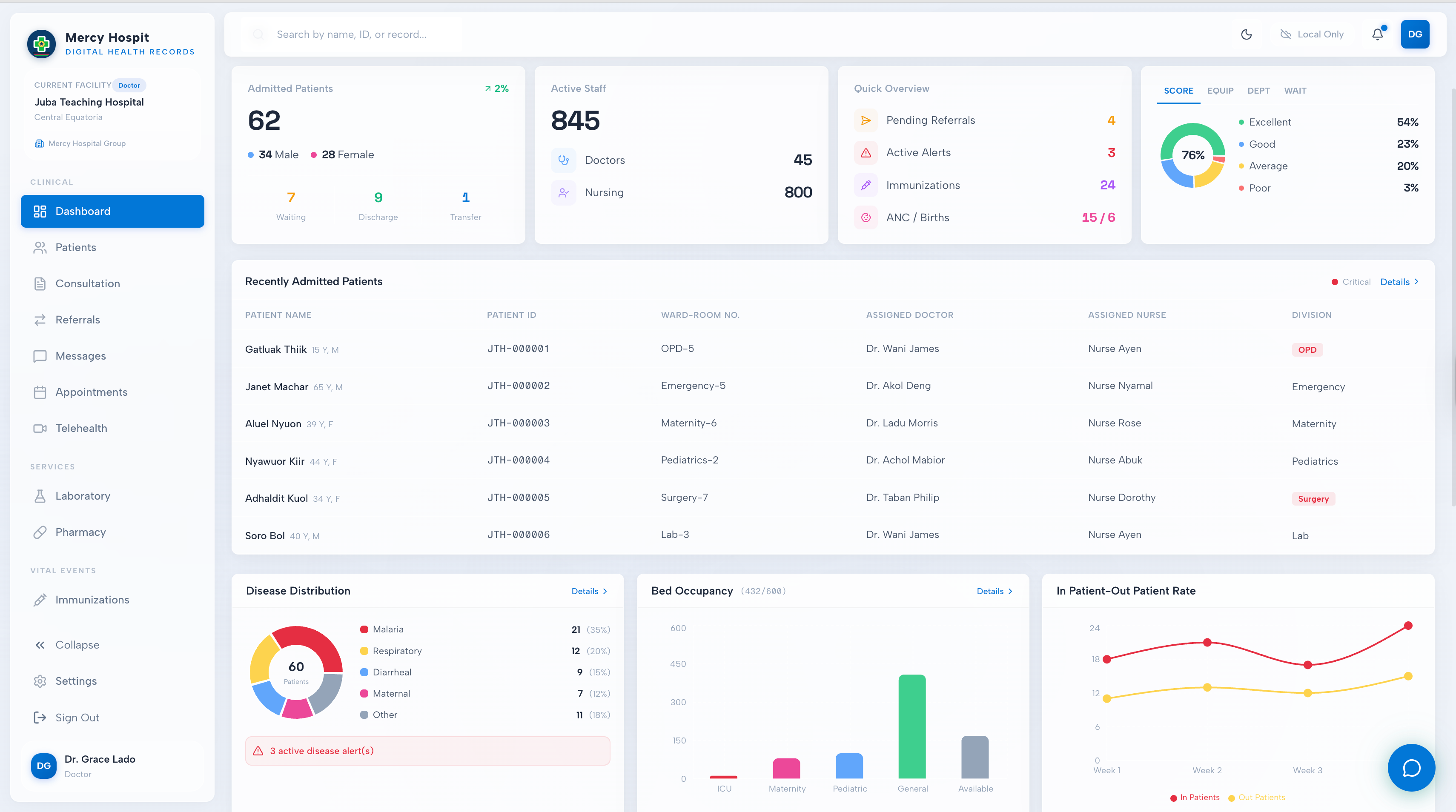
CHOOSE YOUR DEVICE
Three ways to install
RECOMMENDED
Web app (phone, tablet, desktop)
Open the app in any modern browser, then add it to your home screen — it installs like a normal app and runs offline.
- Open app.tamamhealth.org in Chrome, Edge or Safari.
- Tap the browser menu → Install app (Android/desktop) or Add to Home Screen (iPhone/iPad).
- Launch it from your home screen — it now works without internet.
ANDROID
Android app (.apk)
For phones without Play Store access. Download the signed APK and install it directly.
- Tap Download for Android below.
- Open the downloaded file; allow “Install from this source” if prompted.
- Open TamamHealth and sign in.
MINISTRIES & IT TEAMS
Run your own server
Host the national server in-country so all patient data stays within your borders. One command on an Ubuntu server.
- Provision an in-country Ubuntu 22.04 server.
- Set your domain + secrets, run the deploy script (Docker + auto-TLS).
- Facilities point their app at your server and sync to it.
FIRST-TIME SETUP
Setting it up at your facility
Five steps to go from nothing to charting patients — most facilities are live the same day.
REQUIREMENTS
What you need
Any device
Android 8+, iPhone/iPad, or any Windows/Mac/Linux computer with a modern browser (Chrome, Edge, Safari, Firefox).
No constant internet
Works fully offline after install. You only need a connection occasionally to sync — even a brief mobile-data window is enough.
An account
Provided by your facility admin or Ministry. Don't have one yet? Request a demo and we'll get you set up.
QUESTIONS
Download & setup FAQ
Yes. After you install it, the app stores everything securely on the device and runs entirely offline. When a connection is available it syncs in the background — you never have to wait for the network to see or save a patient.
On your device while you work, and on your organisation's server when it syncs. For South Sudan the national server is hosted in-country, so patient data stays within the country. Everything is encrypted in transit and access is role-based and audit-logged.
No app store is needed — you install the web app directly, or sideload the Android APK. Talk to us about licensing for your facility or ministry.
Your facility administrator or the Ministry creates accounts. If your organisation isn't using TamamHealth yet, request a demo and we'll help you get started.
Yes — that's the recommended setup for a national rollout. The whole stack runs from one command on an in-country Ubuntu server with automatic TLS and encrypted backups. Contact us for the deployment guide.
Ready to start?
Open the app now, or talk to us about rolling it out across your facility or ministry.